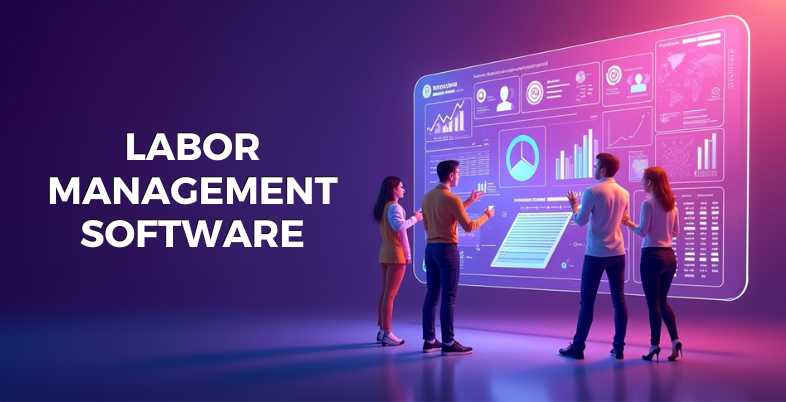
The administration of a workforce has never been as challenging -or as thrilling. By 2026, Labor Management tools has become popular among businesses of all sizes in order to be ahead of the escalating labor prices, the complicated labor regulations, and the increasing demands of the modern labor force.
You may be the owner of a fast-moving retail store, a massive healthcare network, or a multinational enterprise, but accurate Labor Management Software can revolutionize your scheduling, tracking, and compensation of your employees. This guide explores the 10 most popular platforms in existence today, feature-by-feature, advantage and disadvantage, and cost-wise, which allows you to make a smarter, quicker, more confident decision regarding your business.
What is Labor Management Software?
Labor Management is an electronic system, which assists companies in organizing, monitoring, and streamlining their workforce functions. It handles all the functions of scheduling and time tracking of employees, payroll services, compliance and performance analytics.
Labors Management Software minimizes human error by automating the routine HR tasks saving time and reducing unnecessary labor costs. It provides managers with real-time visibility of who is working, where and how much, making it an essential tool to any business that wishes to operate leaner and smarter in the current competition landscape.
Why Businesses Need Labor Management Software
- Eliminates expensive mistakes: in payroll and scheduling by automation.
- Legal compliance: as labor laws and taxation change.
- Increases employee satisfaction: through open scheduling and self-service applications.
- Reduce overtime costs: predictive staffing and demand forecasting.
- Enhances productivity: with the right people on the right shifts.
- Gives real time access: to labor costs, attendance, and trends in performance.
Key Features of Labor Management Tools
- Scheduling: that uses AI to forecast staffing requirements depending on demand patterns.
- GPS and geofenced time tracking: to have precise clock-ins which are validated by location.
- Payroll automated: including tax filing and compliance audits.
- Employee self-service portal: to swap shifts and request leaves and pay stubs.
- Live labor cost reporting: and custom analytic dashboards.
- Mobile first apps: those enable managers and teams within a single go.
10 Best Labor Management Software (2026 Detailed Review)
1. ADP Workforce Now
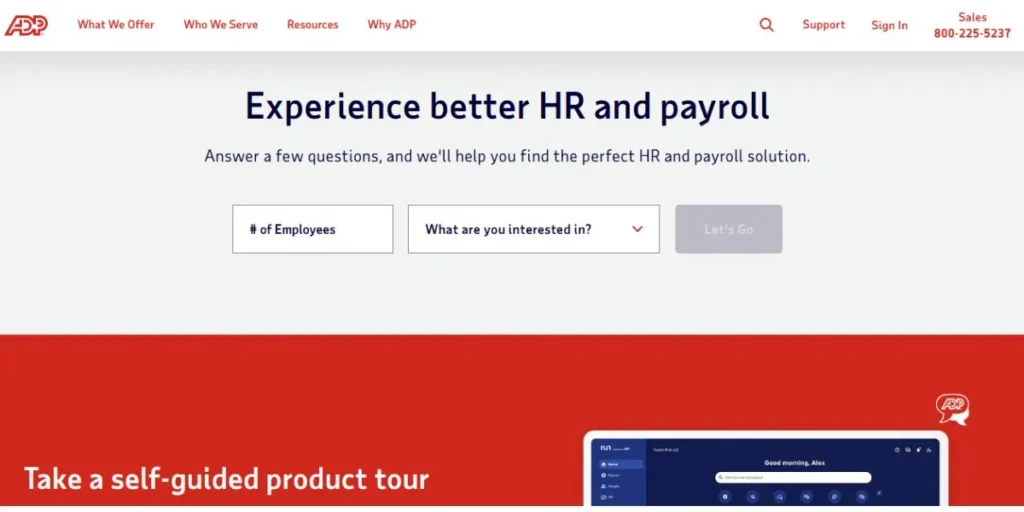
ADP Workforce Now is an all-inclusive, AI-driven HCM platform designed to support mid-to-large business organizations. It brings together payroll, talent management and labor tracking under a single strong database, and data entry becomes completely manual. With a 40-year history of regulatory experience and a marketplace of 700+ integrations, ADP Workforce Now remains 2026 as a market leader. ADP will be difficult to compete with by businesses that require a Labor Management platform that has been tested in battle and is highly scalable.
Key Features:
- AI-powered labor forecasting
- Geofenced mobile time-tracking
- Real-time payroll previews
- Automated tax compliance
- Touchless time kiosks
- Predictive staffing analytics
Pros:
- Unmatched regulatory expertise
- Highly scalable platform
- Robust reporting tools
- Extensive 700+ integrations
Cons:
- Steep learning curve
- Inconsistent customer support
- Complex system navigation
- Higher implementation costs
Pricing: Custom quotes; starts at $99/month.
Website: www.adp.com
2. UKG Pro
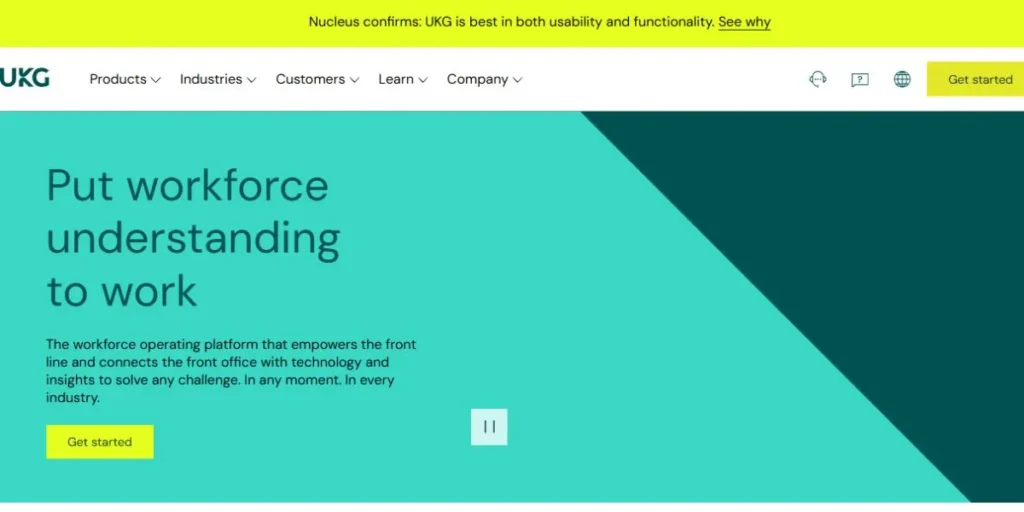
UKG Pro is a workforce operating platform with a premium offering that is people first utilizing advanced AI technology. It is designed to accommodate the needs of complex global workforces, providing state of the art tools to schedule shifts and predict labor demand. The 2026 version includes its Bryte AI, a conversational intelligence engine, which renders reporting experiences more human and employee experiences more individual. UKG Pro can be a good choice when companies are interested in a Labor Management based Software that is as human-centered as possible.
Key Features:
- AI-driven labor forecasting
- Global payroll management
- Strategic workforce planning
- Conversational AI reporting
- Mobile shift swapping
- Automated compliance alerts
Pros:
- Powerful analytics insights
- Excellent for scalability
- Strong talent development
- Unified mobile experience
Cons:
- High premium pricing
- Lengthy implementation time
- Legacy architecture challenges
- Complex reporting setup
Pricing: $27–$37 per employee per month.
Website: www.ukg.com
3. Rippling
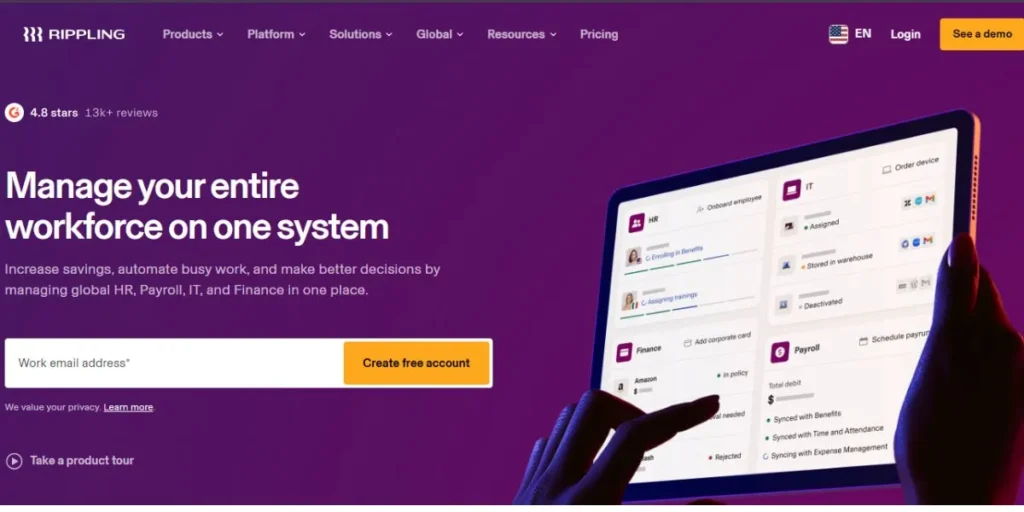
Rippling is an aggressive, technology-driven company that combines HR, IT, and Finance into a single platform. Its architecture of Unity enables businesses to automate the whole employee lifecycle between provisioning of devices on day one and global payroll on payday. Rippling is the Labor Management Software of choice in 2026 because it is selected by tech-savvy organizations that desire high levels of automation, easy software integrations, and a unified tech stack that works.
Key Features:
- Automated device management
- Global payroll automation
- Custom workflow triggers
- Unified employee database
- Real-time labor reporting
- Automated policy enforcement
Pros:
- Fastest setup time
- Superior automation capabilities
- Consolidated tech stack
- Intuitive user interface
Cons:
- Can become expensive
- Limited customer support
- Modular costs add up
- Steep initial learning
Pricing: Starts at $8 per user per month.
Website: www.rippling.com
4. Connecteam
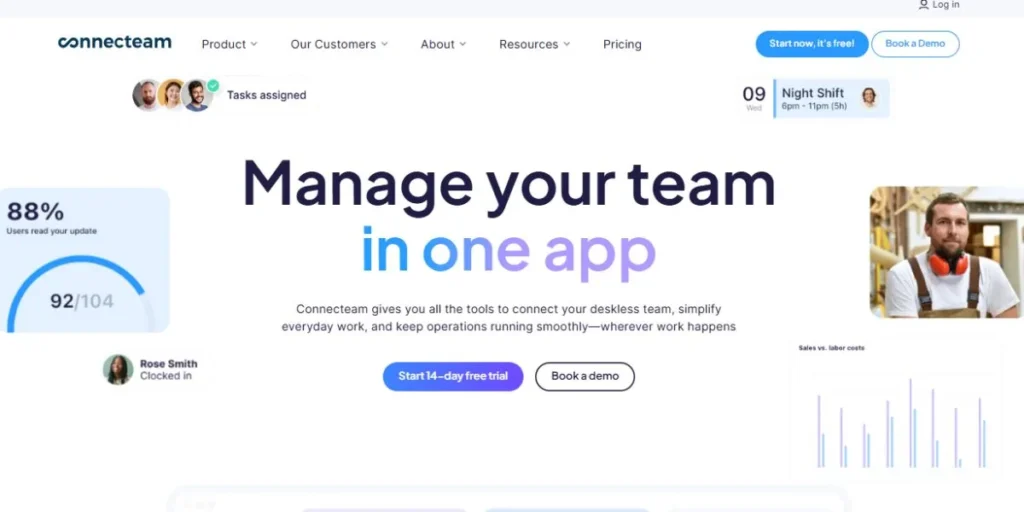
Connecteam is an employee management platform focused on deskless frontline and frontline staff, designed with a mobile-first platform. It is popular among such industries as construction, retail, and healthcare, where employees are on the move constantly. Connecteam becomes the most user-friendly Labor Management platform in the field team in 2026, with all features, including GPS-enabled time clocks, digital checklists, real-time communication, and competitive prices that increase in line with your business.
Key Features:
- Mobile-first job scheduling
- GPS-enabled time clock
- Digital checklists and forms
- Real-time team communication
- Automated shift reminders
- Employee training modules
Pros:
- Excellent mobile functionality
- Highly affordable plans
- Very user-friendly interface
- Strong frontline engagement
Cons:
- Limited advanced HR
- No in-person training
- Free plan limitations
- Basic payroll features
Pricing: Free plan available; paid plans from $29/month.
Website: www.connecteam.com
5. Zoho People
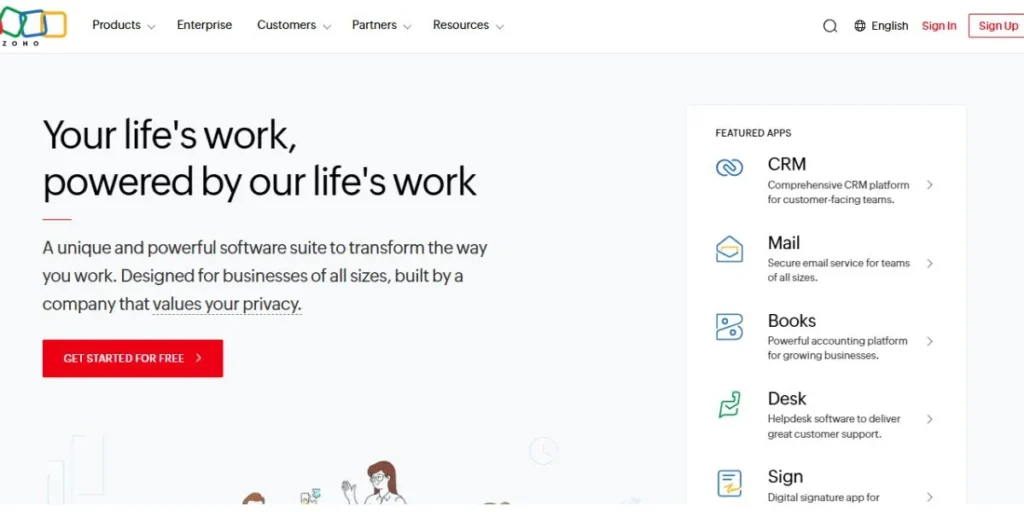
People is an HR and labor management software, which is based on the cloud and has amazing functionality at a much lower price than the competing enterprise products. It is a component of the wider Zoho platform, and as such, it is intimately connected with Zoho CRM, Books, and other applications, which makes it a naturally compelling option in the case of expanding businesses already present in the Zoho environment. It automates the most common HR processes, offers flexible time tracking, and sound performance analytics, which serve as the strongest reasons to include it in the list of the most affordable Labor Management tools in 2026.
Key Features:
- IP-based attendance tracking
- AI facial recognition
- Biometric device integration
- Customizable HR workflows
- Detailed performance evaluations
- Mobile self-service portal
Pros:
- Most budget-friendly option
- Highly modular system
- Seamless Zoho integrations
- Strong data security
Cons:
- Cluttered user interface
- Basic reporting tools
- Slow customer support
- Limited global compliance
Pricing: Free plan available; paid plans from $1.25/user/month.
Website: www.zoho.com
6. BambooHR
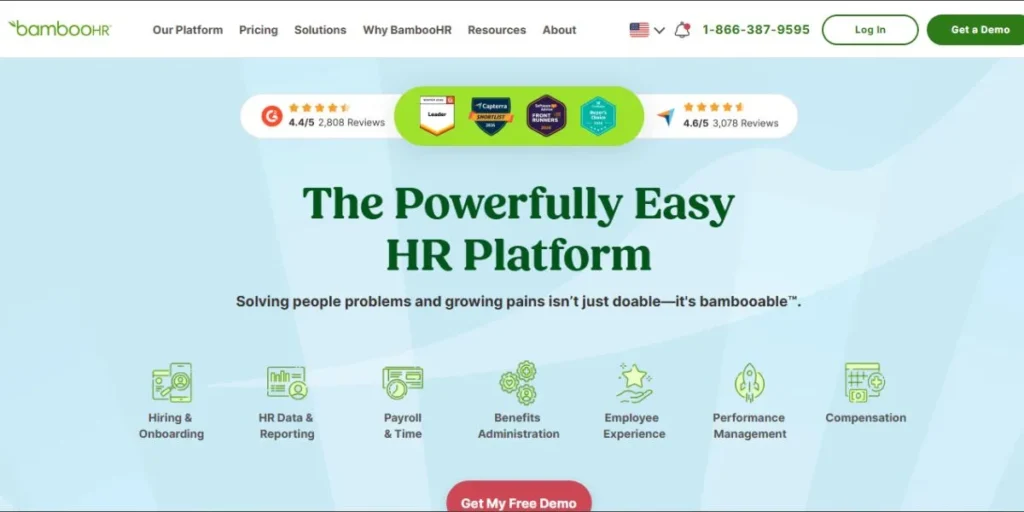
Small-to-mid-sized businesses are increasingly adoring BambooHR due to its clean, elegant design and blissfully straightforward attitude towards HR. It is human-centered: managing the workforce, including employee engagement and performance review, recruitment, and onboarding, with the tools that are, in fact, a pleasure to use. BambooHR will continue to be the standard of ease of use in the Labor Management Software market in 2026, with quick implementation processes and customer support that continue to score highly.
Key Features:
- Intuitive time-off tracking
- Employee sentiment surveys
- Automated onboarding workflows
- Mobile hiring app
- Performance review cycles
- Centralized employee records
Pros:
- Top-tier user experience
- Simplifies complex HR
- Excellent customer support
- Very fast implementation
Cons:
- Limited for large-scale
- Basic payroll functionality
- High cost for add-ons
- Minimal advanced scheduling
Pricing: Custom quote-based pricing.
Website: www.bamboohr.com
7. Dayforce
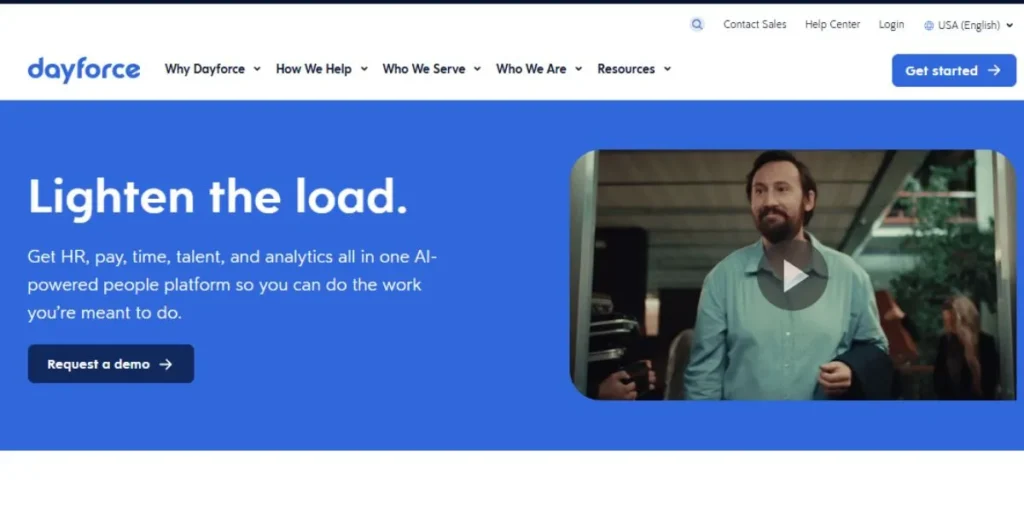
Dayforce is an international HCM system that runs on an exclusive continuous calculation engine to compute payroll information on a real-time basis as employees work, eliminating expensive end-of-period errors. It offers a profound insight into the expenses of labor, the risks of compliance, and workforce patterns, which is why it is good in complex organizations with hard requirements in terms of regulations. Dayforce can be considered the most precise and accurate Labor Management platform in 2026, and it is the version that can be used by enterprises that cannot afford payroll errors.
Key Features:
- Real-time payroll processing
- Advanced labor budgeting
- Global compliance management
- Demand-driven shift scheduling
- Predictive turnover analytics
- Mobile-first self-service
Pros:
- Single real-time database
- Strong global capabilities
- Accurate labor forecasting
- Excellent for compliance
Cons:
- Long implementation time
- Complex for beginners
- Higher price point
- Occasional system lag
Pricing: Custom quote upon vendor request.
Website: www.dayforce.com
8. Workday HCM
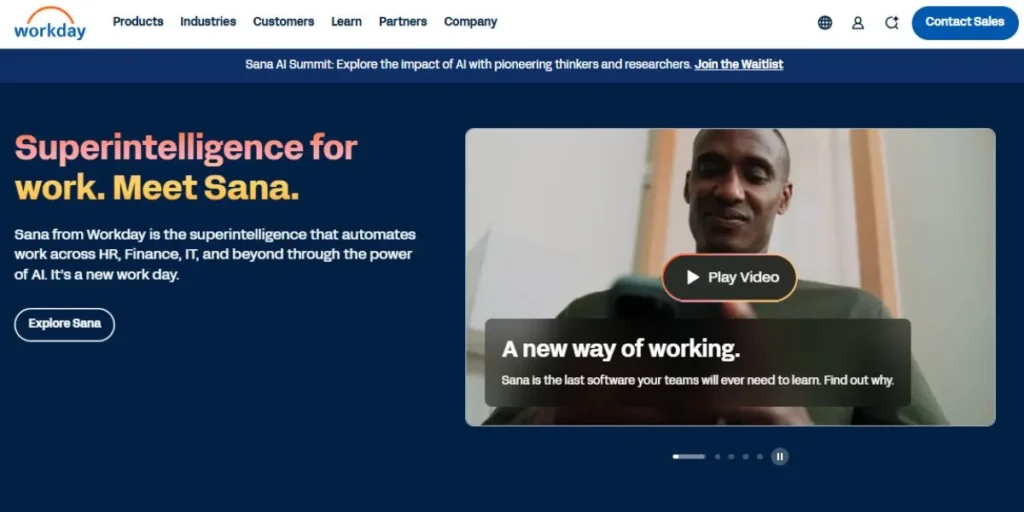
Workday HCM Workday HCM is the enterprise level workforce and financial management solution that integrates HR and Finance into a single intelligent platform. Its artificial intelligence-driven Skills Cloud allows large companies to structure their own workforce based on skills and competencies instead of traditional job titles. In the case of global enterprises that require ultimate scalability, strategic workforce planning, and market-leading innovation, Workday HCM is the most potent Labor Management tools that money can purchase in 2026, but at a high cost.
Key Features:
- Skills-based workforce planning
- Unified finance/HR data
- Global payroll engine
- AI-driven talent insights
- Complex organizational modeling
- Advanced predictive analytics
Pros:
- Ultimate enterprise scalability
- Deep strategic insights
- Unified business operations
- Market-leading innovation
Cons:
- Extremely high cost
- Significant training required
- Complex implementation process
- Overkill for SMEs
Pricing: Custom enterprise-level pricing.
Website:https://www.workday.com/
9. Homebase
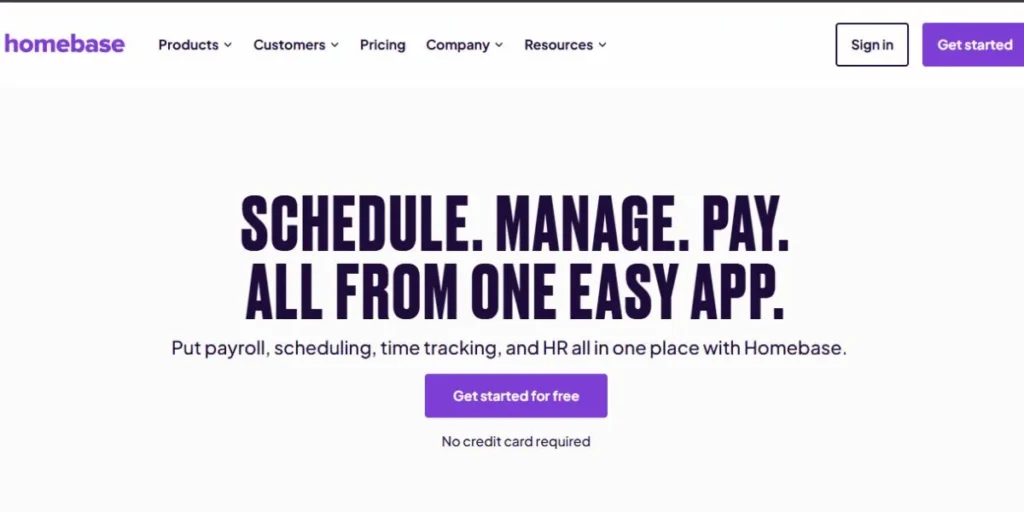
Homebase is a simple, dedicated application that is designed to apply to small businesses with hourly workers in the retail, hospitality, and food service sectors. It also simplifies team communications, time tracking and scheduling tasks, making it even easier than simple managers who do not have any HR experience whatsoever. The 2026 features in it will be automated labor law notifications and convenient schedule swapping features which will allow employees to manage their schedules. Homebase is one of the best options, especially when you have a small team and require a Labor Management platform that is affordable and simply works.
Key Features:
- Automated shift reminders
- Employee shift swapping
- Geofenced mobile clock-in
- Hiring and onboarding
- Team messaging portal
- Compliance alert system
Pros:
- Generous free version
- Very easy setup
- Built for hourly teams
- Great mobile app
Cons:
- Limited HR depth
- Basic payroll options
- Lacks advanced analytics
- Primarily for small teams
Pricing: Free plan available; paid plans from $20/month.
Website:https://www.joinhomebase.com/
10. Paycor
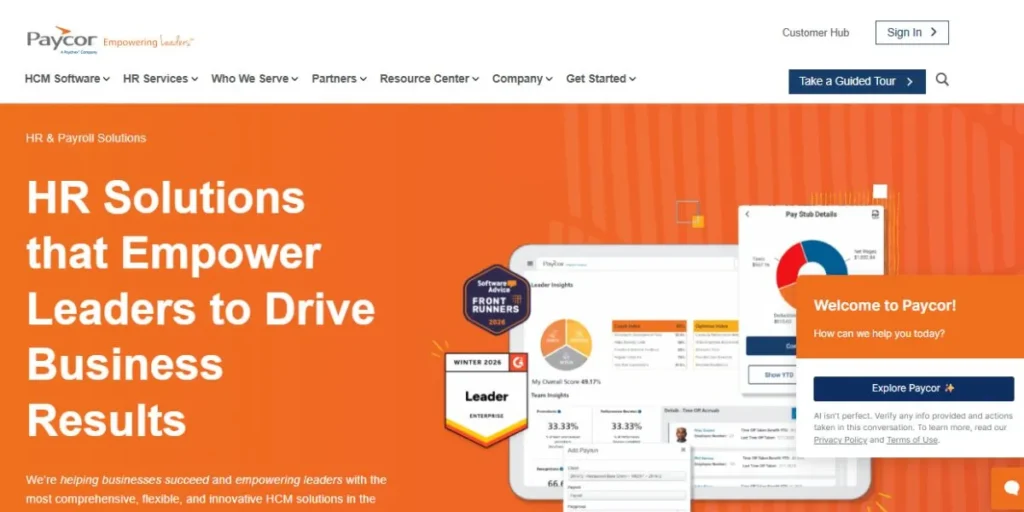
Paycor also has a refreshingly manager-oriented approach to workforce management, which provides team leaders with the intelligence and coaching resources to create stronger, more engaged teams. The Leader Insights engine within it enables it to analyze the performance of its teams and coach managers with recommendations that they can put into action. Paycor is a very efficient Labor Management Software in the mid-market companies that would like to expand their people together with the business in 2026, which is complemented with powerful payroll, compliance, and talent development tools.
Key Features:
- Leader coaching analytics
- Advanced labor costing
- Automated tax filing
- Performance management suite
- On-demand pay options
- Compliance support engine
Pros:
- Excellent manager insights
- Strong customer support
- Flexible and scalable
- User-friendly dashboards
Cons:
- Prices can be high
- Complex for small teams
- Steep initial learning
- Limited global support
Pricing: Custom quotes; $99 base.
Website:https://www.paycor.com/
Comparison Table: Top Labor Management Software 2026
| Rank | Software | Best For | Starting Price | Free Plan | Mobile App |
| 1 | ADP Workforce Now | Mid-to-large enterprises | $99/month | No | Yes |
| 2 | UKG Pro | Global complex workforces | $27/employee | No | Yes |
| 3 | Rippling | Tech-forward automation | $8/user | No | Yes |
| 4 | Connecteam | Frontline/deskless teams | $29/month | Yes | Yes |
| 5 | Zoho People | Budget-conscious SMBs | $1.25/user | Yes | Yes |
| 6 | BambooHR | SMBs, ease of use | Custom | No | Yes |
| 7 | Dayforce | Compliance-heavy enterprises | Custom | No | Yes |
| 8 | Workday HCM | Large global enterprises | Custom | No | Yes |
| 9 | Homebase | Small hourly-worker teams | $20/month | Yes | Yes |
| 10 | Paycor | Mid-market growth companies | $99/month | No | Yes |
Pricing of Labor Management Software
| Software | Free Plan | Entry Pricing | Pricing Model |
| ADP Workforce Now | No | From $99/month | Custom quote |
| UKG Pro | No | $27–$37/employee | Per employee/month |
| Rippling | No | From $8/user | Per user/month |
| Connecteam | Yes | From $29/month | Per team |
| Zoho People | Yes | From $1.25/user | Per user/month |
| BambooHR | No | Custom | Custom quote |
| Dayforce | No | Custom | Custom quote |
| Workday HCM | No | Custom | Enterprise quote |
| Homebase | Yes | From $20/month | Per location |
| Paycor | No | From $99/month | Custom quote |
How to Choose the Right Labor Management Software
- Evaluate the number of team members: simplicity is required by small business; the enterprise demands depth of scalability.
- Name your greatest areas of pain: payroll errors, time gaps, or regulatory problems.
- Check integration compatibility: using your current tools such as accounting systems or POS systems.
- Assess mobile capabilities: in case of a remote workforce, field-based workforce, or hourly employee.
- Compare total cost of ownership: including implementation, training and add-on fees.
- Demo or have free trials: one should demand a free trial or demo before signing a long-term agreement.
Common Mistakes to Avoid
- Making decisions based on cost: and failing to review the features your team requires.
- Disregarding scalability: and choosing software that you will outgrow in 12 months
- Omitting the implementation plan: and living without staff training.
- Ignoring compliance characteristics: your industry/country-specific.
- On the assumption that every integration is flawless: without even testing them.
- Failure to include end users: managers and employees in the selection.
Expert Tips
- Begin with a needs audit: find your 5 must-have features and then demonstrate any tool.
- Give preference to vendors who have a good support: bad onboarding kills ROI much faster than anything.
- Find AI-based forecasting: to actively work against overtime and understaffing.
- Recurrent negotiating of prices: to obtain great discounts with high-end suppliers.
- Execute parallel payroll period: in implementation to identify mistakes prior to launch.
- Check your software once in a year: your needs and workforce change as you expand.
Future Trends in Labor Management Software
- AI assistants that act as agents: will independently schedule, check compliance, and resolve conflicts.
- Skills workforce Planning: will eliminate the old and outdated role-based organization models altogether.
- Predictive burnout warning: will utilize behavioral information to raise warning flags on employees at risk of quitting.
- Hyper-personalized employee experiences: will optimize the HR workflow to the individual preferences.
- Embedded financial wellness: will provide on-demand pay and financial coaching on-app.
- Greater ESG and DEI disclosure: will be an imperative with increased regulations across the world.
Conclusion
Investing in the appropriate Labor Management Software in 2026 is one of the best decisions your business can have ever taken. Enterprise heavyhits such as Workday HCM and ADP Workforce Now, as well as lean and inexpensive solutions, such as Homebase and Zoho People, have an ideal solution to any business activity and budget.
The most suitable one is the platform that satisfies your team size, industry and largest operational challenges. This guide is your starting point, demos, price comparisons, and engage your team in the decision. The appropriate Labor Managements Software will make your time a savior, reduce expenses, and assist your people in performing their optimum efforts.
Visit for More Information:
FAQs
Which is the most suitable Labor Management Software for small business?
Homebase, Connecteam, and Zoho People are good choices among small businesses because they are inexpensive, relatively simple and have a free option.
What are the best Labor Management tools suggested in enterprise level companies?
Workday HCM, ADP Workforce Now, and Dayforce are designed to serve large, complex organizations that have organization-wide workforce requirements.
Is Labor Management platforms automatic with payroll?
Yes, the majority of the contemporary platforms have automated payroll processing, onboard tax compliance, real-time computation, and the ability to deposit money directly.
What is the average cost of Labor Management based Software?
The price is very diverse: it can be free (Connecteam, Homebase) or $1.25/user/month (Zoho People), or enter the enterprise pricing with Workday and Dayforce.
Does Labor Management Software require mobile access?
Absolutely. Deskless and remote workers are more than ever, and a powerful mobile application will be necessary when it comes to tracking time, scheduling, and communicating with the team.