Field services are in motion and transforming at a rapid rate, and companies that don’t follow along could fall behind. Keep up to date with compliance, dispatch coordination, timely invoicing and tracking contractors from multiple locations on a variety of jobs — in one place. Contractor management software is where it can make a difference. The right software in 2026 can make a field operation a well-oiled machine.
No matter if you’re a small HVAC business or a big commercial contracting firm, the right contracting software facilitates you to get jobs done quicker, cut down on paperwork, monitor performance live, and most importantly, increase revenue. The 10 best choices that are available now.
What Is Contractor Management Software?
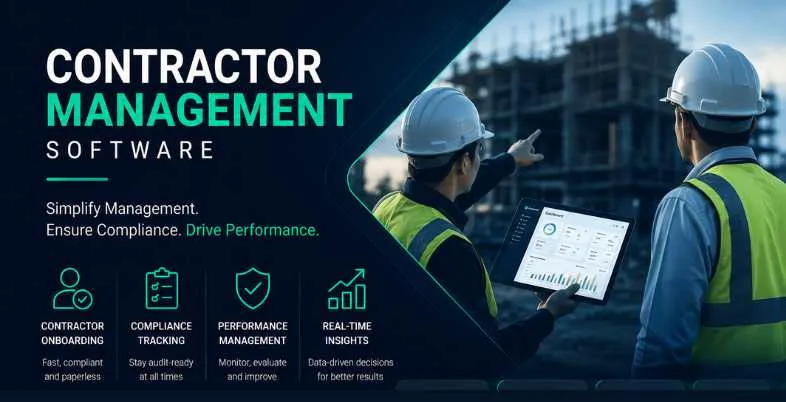
Contractor management software is an online application that enables companies to manage, track, and organize their contractor team on one dashboard. From job scheduling and dispatching, to compliance monitoring, invoice tracking, and performance monitoring.
Instead of carrying around spreadsheets, making phone calls and dealing with paper trails, companies streamline communication between the office and the field with contractor management software. It gives you visibility of jobs, technicians’ location, and project progress in real time, helping you to offer your customers the same high-quality service, every day.
Key Benefits of Using Contractor Management Software
- Centralized Operations: Schedule, dispatch, invoice and communicate from a single source.
- Real-Time Visibility: View the location of technicians, job status and work order updates in real-time.
- Faster Invoicing & Payments: Automatically generate invoices when a job is complete to eliminate slow invoicing and slow payments.
- Compliance Tracking: Automated alerts for compliance checks of contractors’ licensing, insurance and certification.
- Enhanced Customer Experience: Automated notifier and communication to customers, improving satisfaction and trust.
- Proper Resource Allocation : Match the right contractor to the right job, depending on the skill set, location and availability.
- Less Admin Work: Automate repetitive processes such as reminders, follow-up and timesheet entries.
- Data-Driven Decisions: View reports and analytics of contractor performance, first fix rate and job profitability.
- Scalability: The ability to add additional contractors, teams or locations, as your company expands.
- QuickBooks & Third-Party Integrations: Connect directly with accounting, CRM and payroll software to streamline your processes.
How Does Contractor Management Software Work?
- It results in a job request or work order being generated in the system either manually or through a web-based job ordering form.
- The dispatcher matches an available and qualified contractor to the job based on availability, location and skills in real-time.
- The contractor is given the job’s specifications via their mobile application and then they start to travel to the work site.
- Throughout the job, the contractor keeps track of the time spent, uploads pictures, gets customer signatures and records materials used.
- All data is synced with the central platform immediately, thus providing the back office with live data.
- After the job is finished, the system will automatically generate an invoice and send it to a customer.
- Managers keep track of the contractors’ performance using dashboards, which include metrics such as time on job, customer satisfaction ratings and first time fix rates.
- Reports are produced for business insights, compliance, billing and payroll.
10 Best Contractor Management Software For Field Service in 2026
1. ServiceTitan
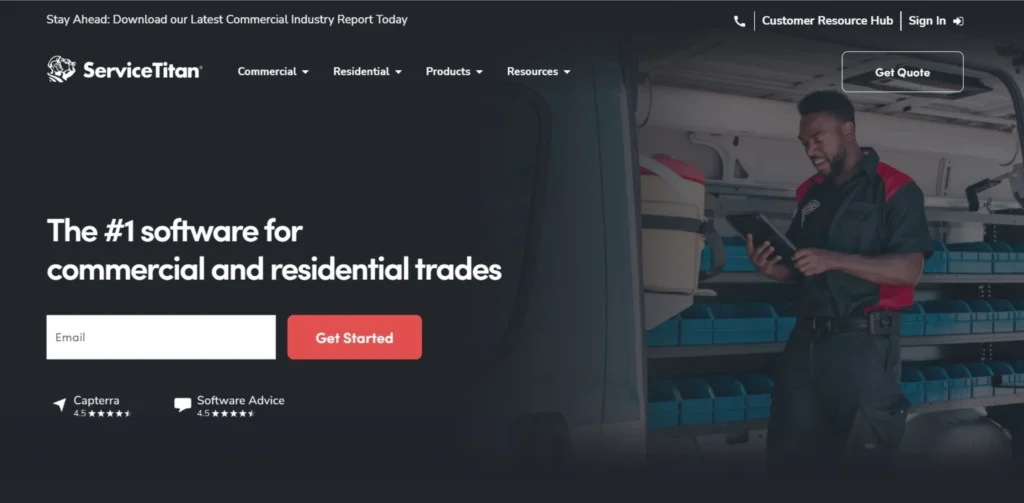
ServiceTitan is a purpose-built, AI-powered operating system for the trades that automates all workflows across the enterprise, from commercial construction to field service, from residential to residential. It is well known, and considered the gold standard, for mid to large field service operations in the HVAC, plumbing, electrical, roofing and specialty trades.
ServiceTitan’s Field Service Management solution is a comprehensive solution designed to provide the foundation for an effective operational system for growing businesses. The platform enhances day-to-day coordination, allowing you to manage schedules, customers, technicians and revenue more efficiently. It works best with small, midsize and large service companies that require a single business management solution for residential and commercial services.
| Key Features | AI-powered scheduling, price book management, CRM, mobile app, dispatch board, job costing, reporting, marketing tools |
| Pros | Industry-leading automation, mobile-first workflows, deep integrations, strong analytics |
| Cons | High cost, steep learning curve, requires significant onboarding |
| Pricing | Starts at ~$245/technician/month; implementation costs $5,000–$50,000 |
| Website | servicetitan.com |
Also Read:
2. Jobber
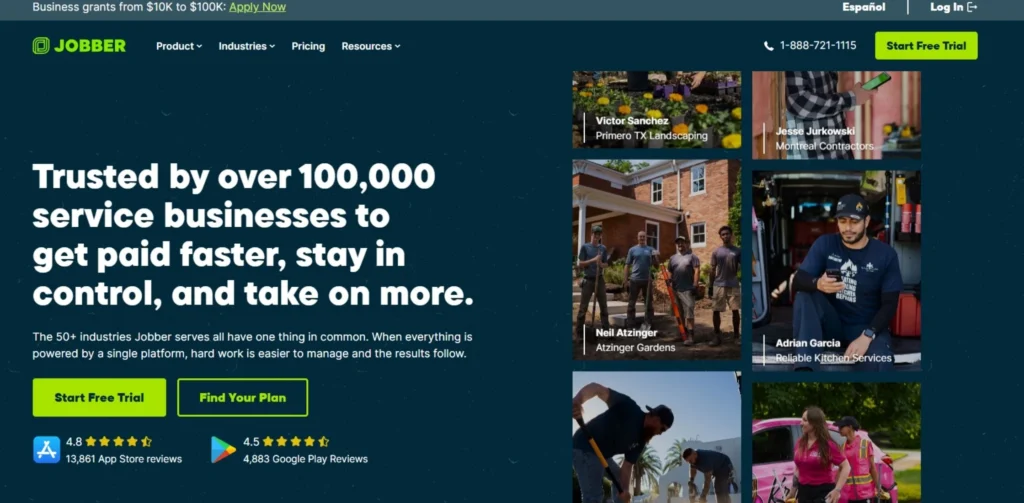
Jobber offers a low-cost, easy field automation solution for small home service businesses – including scheduling, dispatch, mobile invoicing, and payments. With more than 300,000 users worldwide in more than 50 industries, it is easy to use for the first time, and the entry plans begin at $39 per month. Jobber is mainly being adopted by contractors to cut down on admin conflicts and speed up the billing process.
For service contractors, Jobber can be a lighter alternative to heavy platforms, designed for use in the field. Its simplicity and ease of use make it a great option for evolving businesses looking to step beyond paper-based manual methods and into the digital realm without the Enterprise complexity. It is easily integrated with other popular applications like QuickBooks and is an excellent choice for small to mid-sized teams.
| Key Features | Scheduling, dispatching, client hub, online booking, invoicing, payments, job follow-ups, time tracking |
| Pros | Easy to use, affordable, excellent mobile app, strong integrations |
| Cons | Limited depth for teams over 15–20 people, basic job costing |
| Pricing | Core: $39/mo; Connect: $169/mo; Grow: $349/mo; Plus: $599/mo |
| Website | getjobber.com |
3. Housecall Pro
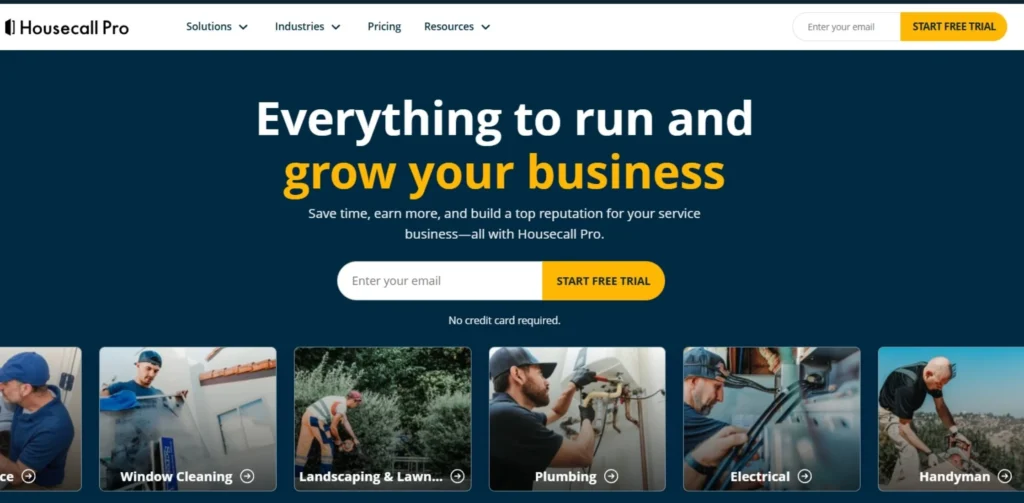
Housecall Pro is a home services business management software with availability management, in-depth customer history, dispatching, asset management, call answering and invoicing features. In particular, it is preferred by HVAC contractors, plumbing companies, electrical contractors, pest control companies, landscaping companies, and general contracting companies.
Housecall Pro falls somewhere between the entry-level–scheduling-plus-invoicing–and enterprise–grade platforms in the housekeeping software category. Mobile app is truly the most-rated in the category with an average rating of 4.6 with 22,000+ ratings on iOS alone, which no competitor can boast. It is highly recommended for companies that have 3 to 15 technicians and are actively marketing their products in 2026.
| Key Features | Drag-and-drop scheduling, online booking, GPS tracking, digital invoicing, payment processing, automated follow-ups, marketing tools |
| Pros | Best-in-class mobile app, integrated payments, strong marketing automation, easy setup |
| Cons | Aggressive sales outreach reported by users; can feel limiting at 15+ technicians |
| Pricing | Basic: $59/mo; Essentials and higher tiers available |
| Website | housecallpro.com |
4. Procore
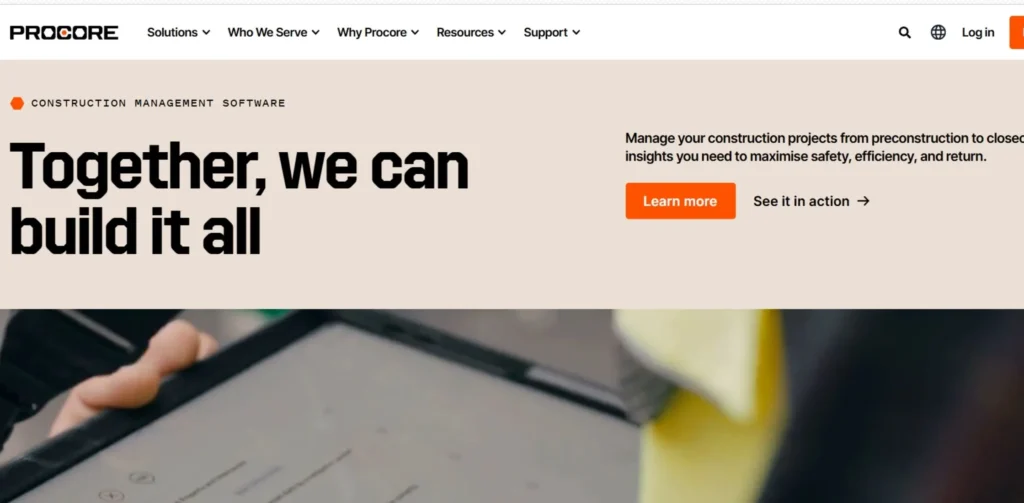
Procore is a cloud construction management software system that integrates field and office teams, through the entire life of the project. It provides project execution capabilities, project cost management, project resource and project lifecycle management capacities, such as bid management, estimating, scheduling, quality tracking, budgeting, invoicing and workforce management. It can be used in all types of construction projects including by contractors, owners, specialty contractors, public agencies and more.
Manage and switch between multiple projects from one place to streamline workflows and eliminate confusion; organize drawings, RFIs, submittals and change orders in a single place with version tracking and unlimited storage capabilities—all in Procore. It is most appropriate for large general contractors and commercial enterprises that deal with many large projects and require extensive financial and document control.
| Key Features | Document management, budget tracking, RFI & submittal tools, mobile access, reporting, bid management, scheduling |
| Pros | Comprehensive end-to-end platform, strong financial tools, excellent document control |
| Cons | Expensive for smaller contractors, steep pricing growth as ACV increases |
| Pricing | Small contractors: $10,000–$80,000/year; mid-size: $50,000–$150,000/year |
| Website | procore.com |
5. Salesforce Field Service
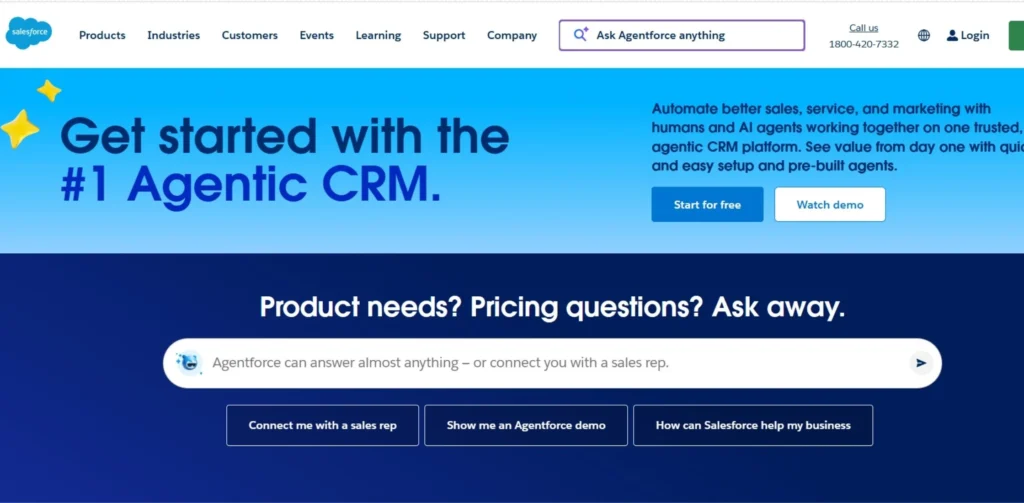
Salesforce Field Service is available for $50 per user per month and shines in intelligent scheduling, real-time tracking of technicians, mobile access without an internet connection and AI enabled image recognition with Einstein Vision. Its seamless integration with the Salesforce CRM platform ensures it integrates well into sales, service, and operations workflows, making it an excellent choice for enterprises that require connected workflows.
This is among the most effective contractor management software for big enterprises. Salesforce Field Service should be considered by enterprise organizations based on their current technology environment, because it is easily scalable for huge mobile teams in multiple industries. The downside: complexity – set-up requires a high level of technical resources and costs can grow significantly for larger teams.
| Key Features | AI scheduling, Einstein Vision, offline mobile, CRM integration, workforce management, real-time tracking |
| Pros | Powerful AI capabilities, seamless Salesforce CRM integration, highly scalable |
| Cons | Complex setup, costly at scale, requires technical expertise |
| Pricing | Contractor: $50/user/mo; Dispatcher: $165/user/mo; Technician: $165/user/mo |
| Website | salesforce.com/service/field-service |
6. BuildOps
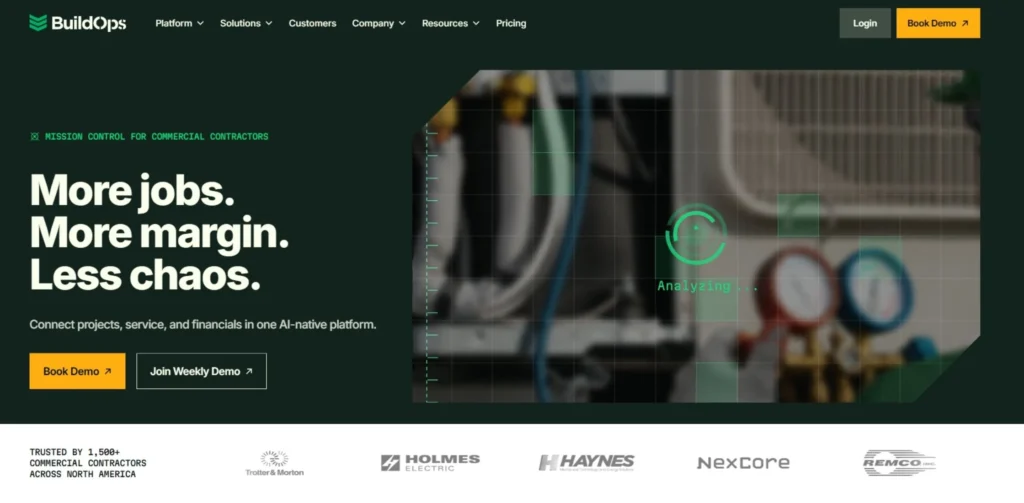
BuildOps is a construction and field service management software solution for specialty construction firms, especially mechanical, electrical, and plumbing (MEP). It integrates project management and service dispatch, maintenance monitoring and customer management. It’s powerful in its focus on both the construction workflows and the construction itself.
Unlike residential service businesses, BuildOps is specifically designed for commercial contractors and provides superior multi-site customer management, complex billing and commercial project tracking. Growing companies have tools at their disposal to manage their operations in the field that are tight and profitable, thanks to reporting depth, the automation to expand operations, and GPS fleet tracking.
| Key Features | Dispatch board, service + project management, quoting, invoicing, reporting, GPS fleet tracking, asset management |
| Pros | Ideal for commercial MEP contractors, strong reporting, drag-and-drop dispatch |
| Cons | Less suited for residential contractors, pricing available on request only |
| Pricing | Available upon request |
| Website | buildops.com |
7. Service Fusion
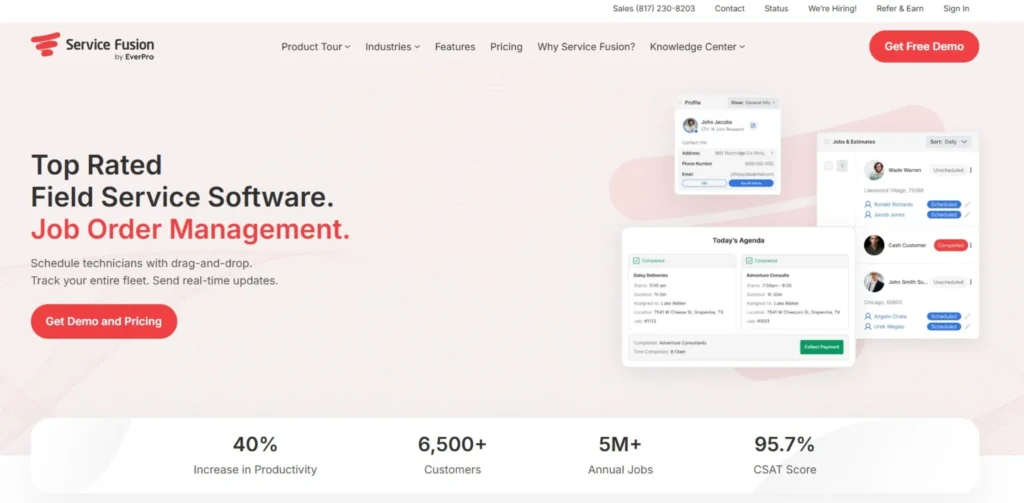
Service Fusion is a full-featured field service management software package that allows field service companies to quickly create, schedule and assign jobs in less than 60 seconds. It offers work order entry, dispatch, scheduling and invoicing technology for all types of businesses, such as HVAC, plumbing, electrical and IT, and many more. It has no per user fee and no contracts making it one of the less expensive platforms around.
Service Fusion’s integrated platform really gets a thumbs up, because it allows you to schedule, dispatch, invoice, track your fleet with GPS and manage your customers from a single point. With its flat fee pricing of just $195 per month, it’s a viable option for expanding companies looking for consistent pricing. Hence, it is particularly appealing for groups that are growing, but don’t wish to be burdened with per-seat billing.
| Key Features | Scheduling, dispatching, invoicing, GPS tracking, customer management, flat-rate pricing |
| Pros | Unlimited users on all plans, predictable pricing, easy to use, responsive support |
| Cons | Limited reporting, weaker inventory management, requires reliable internet |
| Pricing | Starting at $195/month flat rate |
| Website | servicefusion.com |
8. FieldPulse
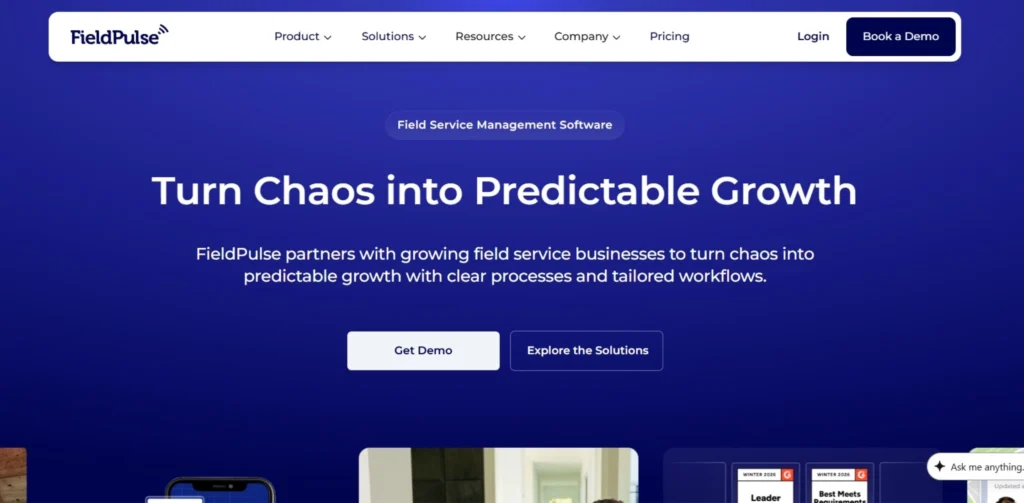
FieldPulse is an on-demand field service management (FSM) software for service contractors that provides business management and workflow solutions to customer management, scheduling, project management, estimates and invoices, timesheets, customer portals and much more. It’s especially ideal for small to middle size contractor teams who wish to have a clean and mobile first experience.
The dispatch board is clean, visual and features drag and drop scheduling, colour coded status of jobs and a calendar view. It is effective for a dispatcher that is responsible for 5-10 technicians in one service area. It’s clear, and it’s a pretty good blend of usability and functionality for expanding service-oriented companies.
| Key Features | Scheduling, dispatch board, customer portal, estimates, invoicing, timesheets, project management |
| Pros | Clean interface, transparent pricing, solid mobile experience, easy estimate-to-invoice flow |
| Cons | Automation and AI features lag behind competitors; mobile app has fewer reviews than rivals |
| Pricing | Starts at $59/month; up to $199/month |
| Website | fieldpulse.com |
9. Workyard
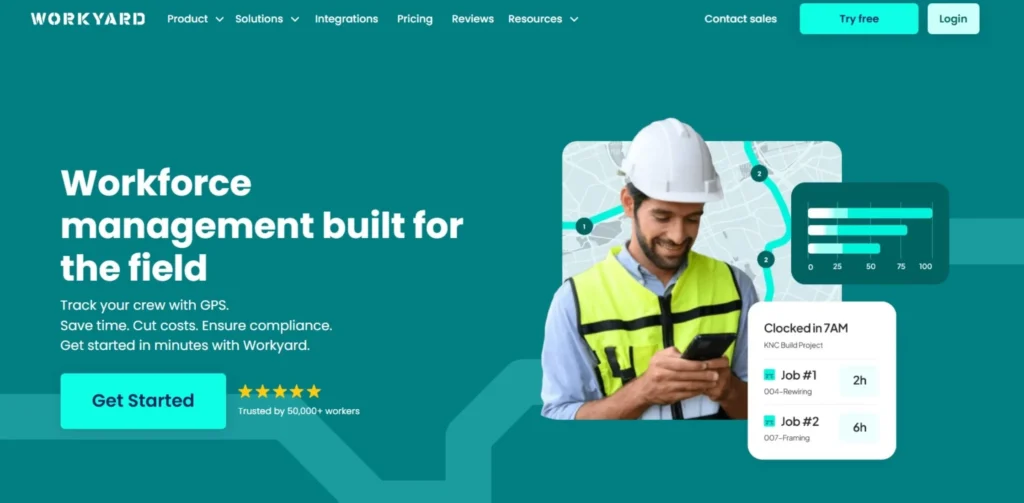
Workyard is a contractor-centric solution that combines scheduling, GPS-based time tracking and job costing. A good choice for any general contractor with labour-intensive projects, for example, construction, electricity or property maintenance. You can use Workyard to book workers, log their hours with GPS tracking and connect all of them with your job costs.
Workyard is an ideal choice for small contractors that require an easy-to-use FSM tool. For small teams prioritizing accuracy and cost control with their labor, Workyard provides real value.For growing businesses, a more scalable FSM platform may be needed later, but for small teams that want to focus on the accuracy and cost control of their labor, Workyard delivers real value. Its GPS-enabled time tracking is especially beneficial for contractors with numerous crews working on various projects, minimizing wage disputes and boosting responsibility.
| Key Features | GPS time tracking, job costing, scheduling, crew management, payroll integration, location verification |
| Pros | Excellent labor tracking, easy scheduling, cost-effective for small teams, strong GPS verification |
| Cons | Limited CRM, invoicing, and customer communication features |
| Pricing | Per-user pricing; plans vary by feature tier |
| Website | workyard.com |
10. Fieldwire
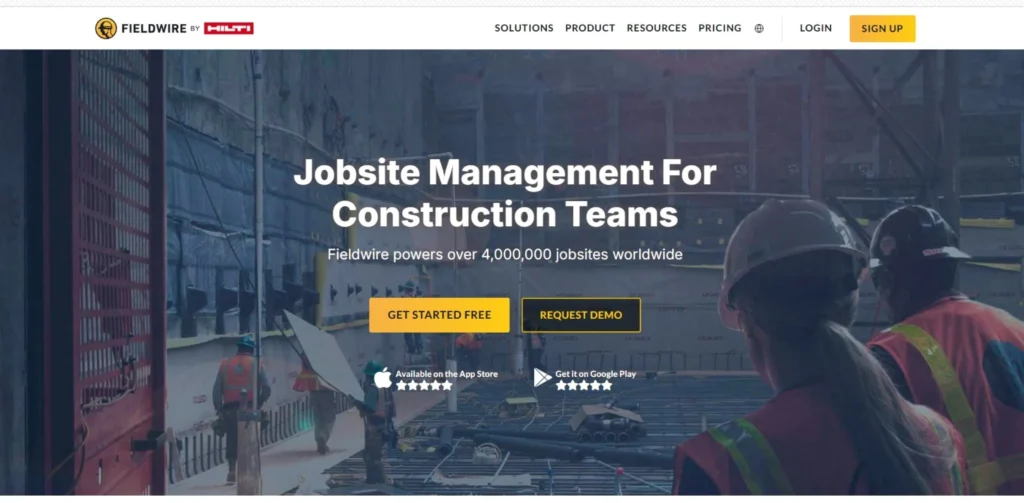
Fieldwire is a jobsite management software that enables construction teams to coordinate jobsite activities, keep track of work progress and view the latest plans from anywhere. It has brought everything together and makes it easier for general contractors, subcontractors and project managers to stay on top of things. It suits the way that teams work naturally and can help to minimize miscommunication and slowdowns that can occur.
When adoptions in the field demand a low friction experience with Business Plus controls, Fieldwire is the solution. Perfect for construction teams who require the ability to easily handle blueprint management, punch lists and daily reports all from the job site. Its mobile app is also quick, stable and developed for actual conditions in the field where Internet access may be unreliable.
| Key Features | Plan viewing, task management, punch lists, daily reports, photo documentation, offline access, team communication |
| Pros | Intuitive interface, excellent mobile app, low adoption friction, great for subcontractors |
| Cons | Less suited for complex financial tracking or CRM needs |
| Pricing | Free plan available; paid plans start at $54/month (billed annually) |
| Website | fieldwire.com |
Which Contractor Management Software Is Right for You?
- Small teams (1-5 techs): Jobber or Workyard are also the most basic and inexpensive.
- Housecall Pro and FieldPulse: balance features and ease of use are better suited for small to mid-sized residential teams (5-15 techs).
- Unlimited scalability: Service Fusion’s flat-rate pricing is ideal for growing service businesses that require scalability.
- Whether you’re in HVAC, plumbing, or electrical, ServiceTitan is designed to fit your practices and industry needs.
- Multi-site, complex commercial operations: BuildOps is the best fit for commercial specialty contractors like EPIC.
- Procore:is the most comprehensive project management solution for large general contractors with big construction projects.
- For enterprise level businesses that use Salesforce CRM: Salesforce Field Service seamlessly integrates for connected workflows.
- Construction teams were busy on planning and coordination: Fieldwire ensures that field and office teams are in sync.
Top Features to Look for in Contractor Management Software
- Scheduling & Dispatching: Drag and drop scheduling and real-time availability view of technicians.
- Mobile App: Technicians have a frictionless and reliable app to use on-site that even works offline.
- Work Order Management: Like to create, assign, update and close work orders quickly and efficiently.
- Invoicing & Payment Processing: Automated Invoices & Mobile payment collection.
- GPS Tracking & Fleet Management: Instantaneous visibility of the location of a technician and of a vehicle’s route.
- Customer Portal: Give customers access to the Internet for quote requests, quote approvals and job status updates.
- All Certifications, Licenses, and Insurance in One Place: Compliance & Document Management.
- Reporting & Analytics: Job completion rates, revenue and technician productivity performance dashboards.
- Integrations: QuickBooks, Stripe, Google Calendar and more integrations are essential business tools.
- Automated notifications: Continue to send notifications and updates to customers and staff.
How to Choose the Right Contractor Management System for Your Business
- Know your business size and team size—you will need to pick a different platform depending on your business size (from a solo operator, to a small crew or the multi-branch enterprise).
- Determine your trade or industry — as there are platforms that are designed for the HVAC, electrical, plumbing and construction industries, so you’ll have workflow-appropriate features.
- Establish a realistic budget — take into account not only the monthly subscription, but setup fees, training and integration fees.
- List the must-have features first –- Prior to looking around, identify the top 5 features that you simply simply cannot function without, such as mobile invoicing, GPS, compliance tracking and so on.
- Thoroughly test the mobile app — your field techs will be using this a lot, so the app should be user-friendly on mobile devices.
- Review integration options — make sure it integrates with your current accounting, CRM or payroll systems.
- Evaluate customer service — good customer service is essential when there are technical problems during the day.
- Try for free or demo – try to sign up for a free trial or demo so you can experience actual workflows without making a commitment.
- Look at genuine reviews by users — (such as G2 and Capterra) from contractors working in other sectors.
- Grow with your business — select software that will scale with your business, allowing you to add users, features and integrations as you add business.
Conclusion
Deciding on the right contractor management software out of all the other decisions a field service business can make in 2026 is perhaps one of the most impactful ones a business can make. The right platform reduces human error, accelerates cash flow and provides managers with immediate information on all job sites and technicians. Whether you’re a small or large business, and for every trade, there’s a solution for them to fit your needs, whether it’s lightweight tools such as Jobber and Workyard for small teams, or enterprise-grade solutions like ServiceTitan and Salesforce Field Service for large operations.
Do the time and work to evaluate your specific requirements, try your short list and make sure software is used by your technicians in the field. Get the right contractor management software now, and you will develop a quicker, smarter and more profitable operation that will pay off for years.
FAQs
Contractor management software is designed to help businesses manage their contractors and service providers.
It is utilized for controlling contractor scheduling, dispatching, compliance, invoicing, job tracking, and performance – all in one central system.
Which contractor management software is best for small business?
Jobber and Housecall Pro are some of the best options for small businesses due to their low cost, ease of use and mobile capabilities.
Will there be an open source contractor management software alternative?
Yes, Fieldwire has a free plan for small teams and there are platforms such as Contractor+ that do offer a basic free option.
What’s the price of contractor management software?
There are a wide variety of pricing options from $39/month for basic pricing plans (Jobber) to $245+/technician/month for enterprise pricing plans such as ServiceTitan.
Will contractor management software work with QuickBooks?
Yes, leading platforms like Jobber, Housecall Pro, Service Fusion, and ServiceTitan have accounting integration with QuickBooks, which makes accounting sync seamless.