
Money management doesn’t need to be stressful and difficult. You can use the right software to manage your expenses, save more cash and make your financial objectives come true quicker. There are numerous great tools to help you keep track of your income, expenses, and investments available in 2026, for free and for a price. software has become a staple in modern finance for individuals who wish to maintain a tight budget, keep track of their finances or those who have more than one investment account.
With so many options available, it can be daunting to select the best software for your needs. Hence, that is why we have tested and compared the best 10 this year so you can make a decision. We checked out features, usability, security, pricing, and integration with your bank accounts. Whether your goal is zero-based budgeting or cleaning up your subscriptions, tracking your investments, and more, this guide will tell you which Personal Finance Software is best suited for you.
Note: Mint Is Discontinued – Here’s What to Use Instead
Many users who were fond of Mint’s free budgeting app were taken aback by the news of its discontinuation from Intuit on January 1, 2024. So what to do:
- Mint is officially dead: No longer can you access Mint or sync bank accounts within the app. If you’re using Mint, you must get off of it right away.
- Intuit is pushing Credit Karma: Intuit wants Mint users to switch to Credit Karma, which emphasizes primarily credit score monitoring instead of comprehensive budgeting. But Credit Karma does not have the same budgeting capabilities as the previous app, Mint.
- Download your data before it is too late: If you still have a Mint account, download your data and transactions before it is too late. If you continue to use Mint, you won’t be able to keep track of your money in the future.
- There are better options today: Apps such as Rocket Money, YNAB, Monarch Money, and PocketGuard do it — and so much more. The new personal finance applications are more secure, more feature rich and have development teams.
How We Chose These Personal Finance Tools
It’s important to test and find the best Personal Finance Software. This is the process by which we selected these 10 winners:
- Bank-sync reliability: We checked to see if each app interfaced seamlessly with real bank accounts, credit cards and investment accounts. In an ideal software, the transactions can be synced in just 24 hours, not weeks.
- Security and data protection: Your financial information is extremely sensitive, so we examined the security measures and privacy policies and two-factor authentication of all personal financial software tools.
- No hidden fees or unexpected charges: We do not like to be surprised by charges. We analyzed each of the pricing pages to determine what’s actually free, what will cost you and if any software of note is worth the premium. .
- Have breadth and depth: The best software offers multiple things well. We made up a budget, tracked expenses, monitored investments, set up bill reminders, established goals and checked forecasts for each platform.
Quick Comparison Table: Personal Finance Software
| Tool | Best For | Price | Bank-Sync | Platforms |
| YNAB | Zero-based budgeting | $14.99/month (34-day free trial) | Excellent | Web/iOS/Android |
| Monarch Money | Modern budgeting + forecasting | $12/month or $99/year (free tier available) | Excellent | Web/iOS/Android |
| Quicken Classic | Desktop power users | $99.99/year (free trial) | Good | Windows/Mac Desktop |
| Quicken Simplifi | Quick cash-flow view | $99.99/year (free trial) | Good | Web/iOS/Android |
| Rocket Money | Subscription cancellation | Free + $12.99/month premium | Excellent | Web/iOS/Android |
| PocketGuard | Lightweight spending limits | Free + $3.99/month premium | Good | Web/iOS/Android |
| Origin | AI-powered investing | Free + variable premium | Good | Web/iOS/Android |
| Empower | Investment & retirement tracking | Free + premium options | Excellent | Web/iOS/Android |
| Goodbudget | Free, collaborative budgeting | Free + $7.99/month premium | Good | Web/iOS/Android |
| Actual Budget | Open-source privacy focus | Free (self-hosted) + $10/month (cloud) | Good | Web/iOS/Android |
| Toshl | Simple, visual expense tracking | Free + $4.99/month premium | Good | Web/iOS/Android |
The 10 Best Personal Finance Software Solutions
1. YNAB — Best for Zero-Based Budgeting Discipline
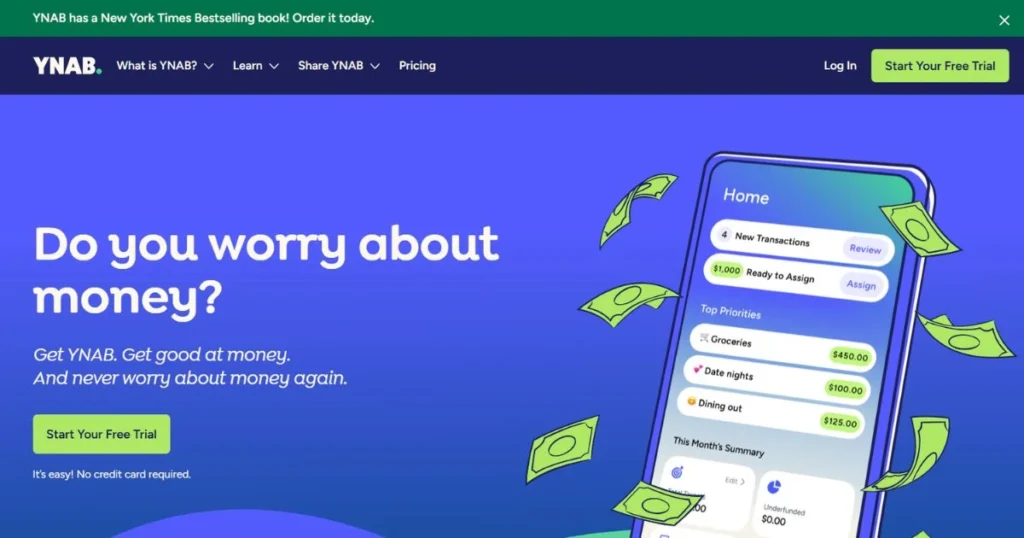
YNAB (You Need A Budget) is the best for those who need the strict control of budgeting. This software concentrates on putting all of your money to good use and on using it for a purpose before you spend it. The philosophy of YNAB is easy: You tell your money where to go, instead of asking where it went. Everything you make is allocated and nothing is left over in an YNAB zero based budget. This makes you have to make an effort to be purposeful with cash.
Key Features
- A zero-based budgeting system that allows for a rollover to the following month.
- Automatic bank account synchronization between accounts
- Real-time spending Alerts and notifications.
Pros
- A star at influencing behavior in the realm of spending
- Highly effective teaching and learning facilities and resources.
- Perfect for couples and joint finances!
Cons
- Not as easy to learn as some other software
- Monthly subscription fee is cumulative annually.
- Needs to be interacted with to function
Pricing
- Free 34-day trial (full access, no credit card needed)
- $14.99 per month (if paid monthly)
- $155.88 per year (if paid annually, about $13 per month)
- Family plans available (same price for unlimited users)
Best For: Serious budgeters
Website Link: https://www.ynab.com
2. Monarch Money — Best Modern Budgeting with Forecasting
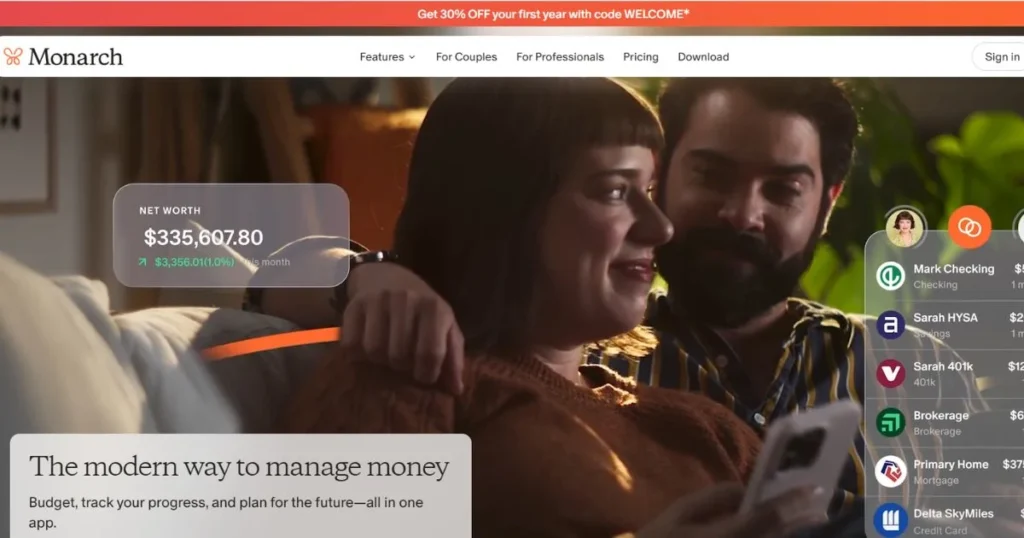
Monarch Money is a slick and stylish version of YNAB, which newer Personal Finance Software users might favor. This app will take budgeting to the 2020s and deliver it in a beautiful way, with powerful forecasting tools, and with artificial intelligence-powered insights. Simplicity meets serious power under the hood for Monarch Money. The unique thing about this software is that it forecasts. Monarch Money is a spending analytics tool that runs a forecast of your cash flow with great precision.
Key Features
- Robust AI-powered cash flow forecasting.AI-powered cash flow forecasting.
- A beautifully designed, intuitive mobile first interface.
- Great free tier, with the key budgeting features included.
Pros
- Comparable as far as how easy it is to use.
- The mobile app is of excellent quality.
- Well priced with free options.
Cons
- The accuracy of the forecast is based on the consistency of data.
- Less advanced customization features
- The size of the community is smaller than YNAB.
Pricing
- Completely free with core features
- $12 per month (premium subscription)
- $99 per year (if paying annually for premium)
- 30-day free trial for premium features
Best For: Modern budgeters
Website Link: https://www.monarchmoney.com
3. Quicken Classic / Simplifi — Best Legacy Desktop + Cash-Flow Visibility
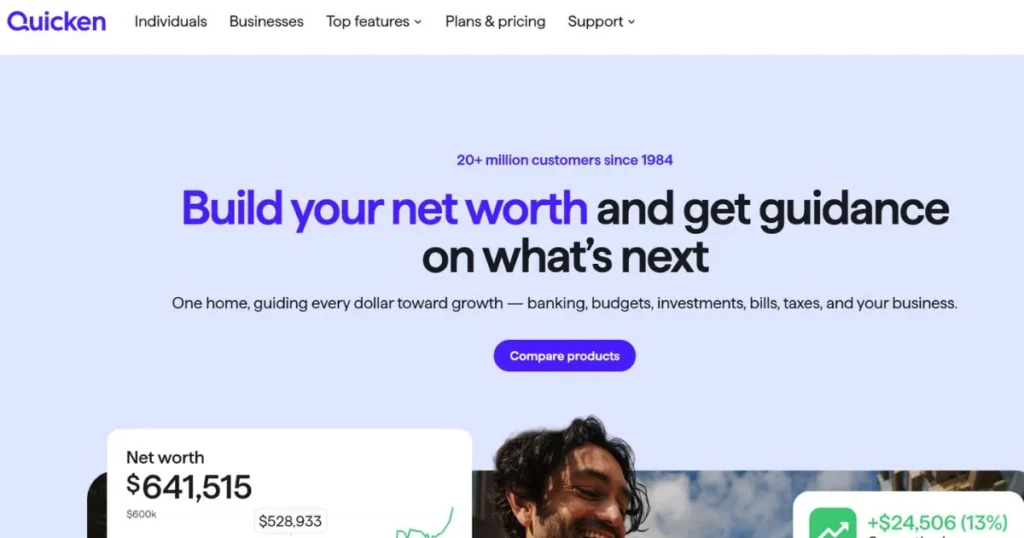
Quicken has been around since 1983, and is one of the oldest Personal Finance Software around that remains in development. Quicken comes in two versions – Quicken Classic (a powerful desktop version) and Quicken Simplifi (newer, cloud-based version). Quicken Classic is ideal for anyone who desires to have a top-notch software for Windows or Mac. It can assist with budgeting, financial tracking, tax filing, and more.
Key Features
- Automatically links up to 12,000+ banks!
- Detailed tracking of tax-categories for year-end taxes.
- Monitoring and reporting investment portfolio.
Pros
- Many years of standing the test of time and confidence.
- Ideal for complex multi-account situations.
- Seamless tax preparation integration.
Cons
- The desktop version is a bit dated and not as user-friendly as more modern software.
- The more the person has used the software, the easier it is to learn.
- Subscription required yearly
Pricing
- $99.99 per year (Quicken Classic)
- $99.99 per year (Quicken Simplifi)
- 60-day free trial for new customers
- Discounts available for annual commitment
Best For: Multi-account users
Website Link: https://www.quicken.com
4. Rocket Money — Best for Subscription Cleanup
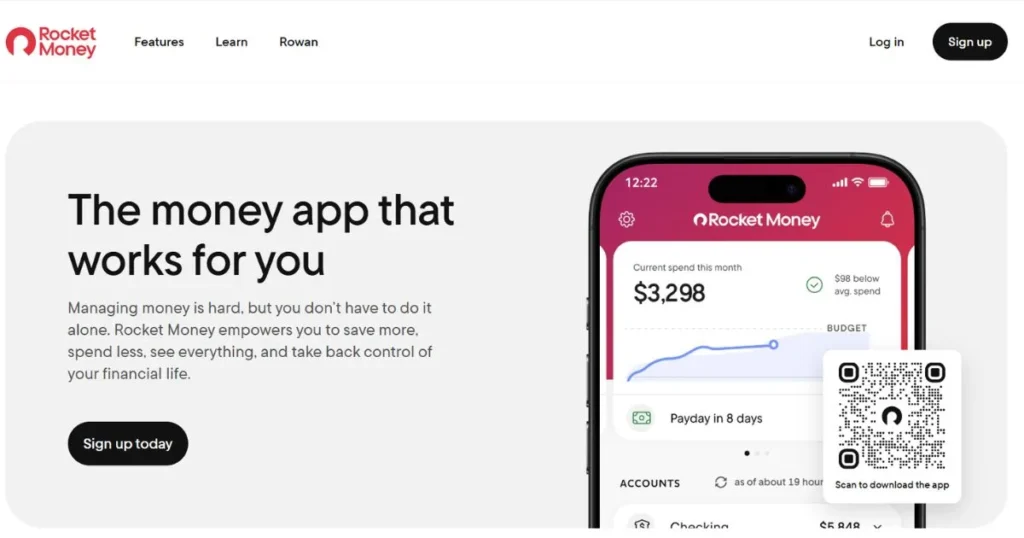
Rocket Money (formerly Truebill) is the Personal Finance Software that just identified a place you’ve been wasting money: your subscriptions. Most people use apps, streaming and software without realizing the money they are spending. Rocket Money discovers your unused subscriptions and assists you to cancel them. This software can identify recurring charges when you transact with your bank. It then provides you a clear list of all your subscriptions, their price and the frequency.
Key Features
- Self-subscription detection and cancellation.
- Trend analysis of the spending with insights at category level.
- Negotiating utilities bills.Utility bill negotiation support.
Pros
- Recovers funds that were lost
- Simple and clean mobile interface.
- The free version is very handy!
Cons
- The cancellation of subscription is not possible in all places.
- The supplemental features are not that significant.
- Weaker budgeting capabilities than most software.
Pricing
- Completely free (basic version)
- $12.99 per month (premium subscription)
- Subscription cancellation sometimes negotiated as free upgrade
Best For: Subscription cutters
Website Link: https://www.rocketmoney.com
5. PocketGuard — Best Lightweight Spending Guardrails

PocketGuard is stripped down software for those that don’t like overly elaborate budgeting applications. PocketGuard doesn’t break down your budget into a lot of minutiae, it just takes one of its simple formulas: “In Your Pocket” tells you how much you can afford to spend without hindering your progress. This software poses three questions: How much do you have? What is the amount of your debt? How much savings do you desire? The answers it returns to you it uses to calculate a safe daily amount. You can always tell if you’re on target to go over or under. It’s refreshingly simple.
Key Features
- Calculating safe spending that is “in Your Pocket.
- Automatic daily budget tracking
- Goal progress visualization
Pros
- Very easy to comprehend and operate.
- The most affordable premium software
- Ideal for novices to budgeting.
Cons
- Not many options for customization of complex budgets
- Not as many features as top-tier software
- Synchronize Bank data every hour, sometimes every day.
Pricing
- Free version with basic features
- $3.99 per month (premium features)
- Sometimes promotional deals available
Best For: Minimalists
Website Link: https://www.pocketguard.com
6. Origin — Best All-in-One AI Financial Platform
Origin is a newer Personal Finance Software application with AI-powered budgeting, investing and financial planning. This app is the future of personal finance applications and provides you with tailored advice on your expenses and objectives, thanks to AI capabilities. Origin’s AI does the work of optimizing your finances and will suggest optimizations automatically. It may suggest reallocating funds into a high-yield savings account, reducing the amount of high-interest debt or a portfolio change.
Key Features
- AI-powered financial recommendations
- Fractional share investing via automation.
- Tracking of investment and budgeting in a unified manner
Pros
- A truly innovative AI financial coaching.
- The all-in-one platform lessens app fatigue.
- Ideal for those beginning investing small
Cons
- Despite limited community, still relatively new.
- The AI-generated recommendations should be verified by users.
- Investment features not as robust as pure investment apps
Pricing
- Free tier with essential features
- Premium pricing varies by features selected
- Free trial available for paid tiers
Best For: Tech-forward users
Website Link: https://useorigin.com/
7. Empower (Personal Capital) — Best for Investment Tracking
Empower (previously called Personal Capital) is software for those who are particularly concerned with investments. A great thing about this platform is that it can track your stock portfolios, 401(k) accounts, cryptocurrencies, and real estate investments, in addition to regular budgeting. Other software doesn’t have the same level of investment analysis that Empower offers. It will tell you where your investments are invested, what overlaps exist and if your investments reflect your risk-tolerance.
Key Features
- Track performance of the portfolio in real-time, by accounts:
- Analysis and projections of retirement readiness.
- Identification of tax-loss harvesting opportunities.
Pros
- The best in class investment analysis tools
- Real accountancy professional access to premium
- Works with all types of accounts
Cons
- The high price, higher than budget personal finances software
- The planning process in budgeting is not as detailed as that of the competitors.
- Advisors promote paid services.
Pricing
- Completely free (investment tracking)
- Premium pricing varies (financial advisory access)
- $14.95 monthly for advisor access options
Best For: Investors
Website Link: https://www.empower.com
8. Goodbudget — Best Free Option
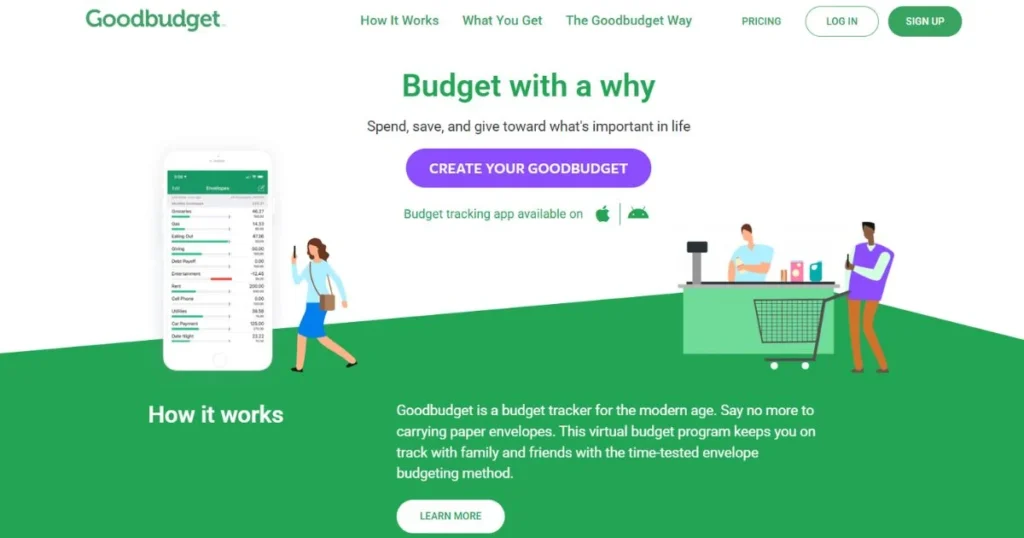
Goodbudget is Personal Finance Software that is based on the grandparent’s envelope budgeting technique. Goodbudget does not have categories, it is virtual envelopes in which you distribute money to various purposes. If you spend from an envelope, the amount of the envelope will be reduced. It’s a wonderfully visual and tactile, even though it’s digital. This software is 100% free, which is amazing.
Key Features
- System for managing the budget for virtual envelopes
- Ideal for couples and family monetary planning
- Ads are completely removed with no ads whatsoever.
Pros
- without any restrictions – 100% free
- Beautiful, simple interface
- A great way to use with children to learn some money management.
Cons
- The free version does not offer automatic bank sync.
- Manual expense entry is a matter of willpower
- Less sophisticated analysis than top-level software.
Pricing
- Completely free (full version)
- $7.99 per month (premium, optional)
- No hidden charges or limitations
Best For: Envelope budgeters
Website Link: https://www.goodbudget.com
9. Actual Budget — Best Free/Open-Source Option
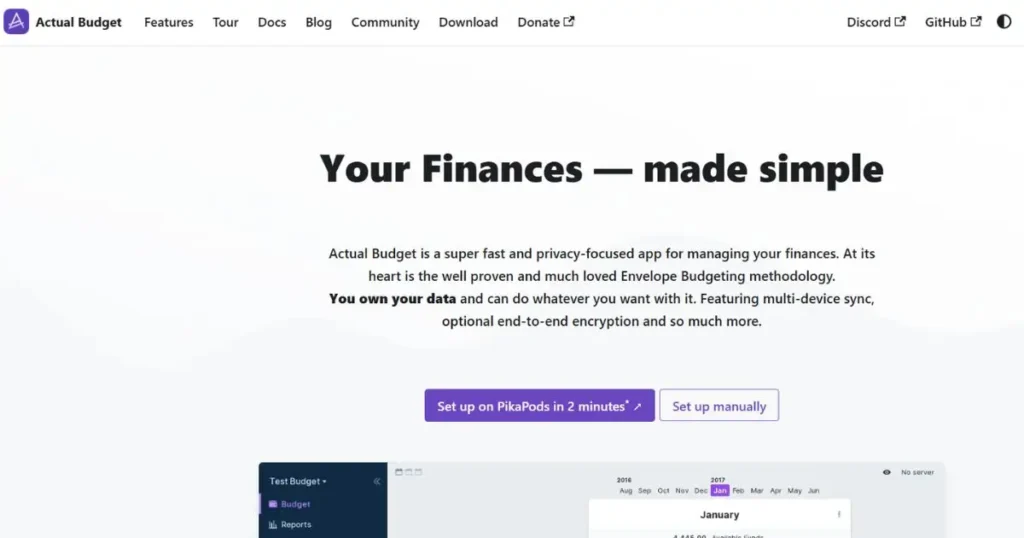
Actual Budget is software for those who want privacy and open source software. The code for the entire platform is open-source software, which allows anyone to look at the code, audit the security and improve the code. It’s a software that is free and has no company profile database – unlike other software, it will not sell your data. There are two options for using Actual Budget: You can run the server on your own computer (it’s free), or you can choose to host the server from their cloud servers ($10/month).
Key Features
- Open Source (Fully Open Source) for transparency.
- Self-hosted option (completely free)
- Privacy-focused and no data selling.
Pros
- Self-hosted is 100% free.
- A high level of privacy and control over the data.
- Strong community of developers
Cons
- Self-hosting involves technical skills
- Smaller market presence than the major software.
- Cloud is still a cost of money.
Pricing
- Completely free (self-hosted version)
- $10 per month (cloud hosting version)
- One-time purchase option sometimes available
Best For: Privacy advocates
Website Link: https://actualbudget.org
10. Toshl — Best Visual Expense Tracking
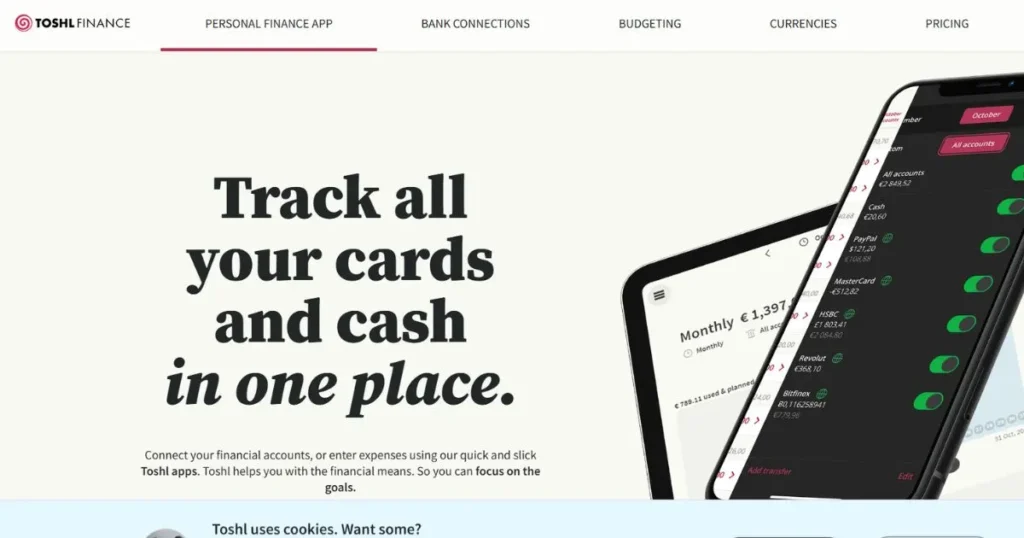
Toshl is a Personal Finance Software which helps one track expenses the way a game helps one play. The colourful interface, visual charts and rewarding animated graphics drive you to track expenditures. It’s a software from Estonia and was started in 2009 to assist individuals to manage money. This Personal Finance Software also has a basic budgeting, goal setting and tracking of investments. The free one is actually extremely helpful and features no expiration, or limitations on features.
Key Features
- Beautiful charts and reports to view.
- All expenses can be tagged flexibly.
- Easy to use goal tracking and monitoring function.
Pros
- Fun and interesting software that really works.
- The Free version has a lot of features.
- Multi-currency support for travelers.
Cons
- Less efficient budgeting process compared to specialized tools
- Less size compared to large software.
- Premium is a relatively underdeveloped feature.
Pricing
- Completely free (full access to core features)
- $4.99 per month (premium subscription)
- Sometimes includes annual subscription options
Best For: Visual learners
Website Link: https://toshl.com
Is It Safe to Link Your Bank Accounts?
Absolutely, it is no risk at all to connect bank accounts with software that has a good reputation and security. Here’s why it’s safe: Any software that is legitimate will have the bank-level encryption (256-bit or higher) that protects your connection. Your login information is encrypted and kept in a secure place – the apps do not keep your password anywhere! The majority of software programs rely on Plaid, or other services like it, which serve as a secure third party between the bank and the software.
Be careful about connecting any application, reading the privacy policies first. Any Personal Finance Software that is legitimate will not sell your personal finances details to advertisers. Check for privacy certifications and data usage disclosures. Avoid those apps that use language that is unclear with reference to selling data or are otherwise unclear about their privacy policies. The most dangerous problem isn’t the application, it’s weak passwords and weak passwords on various sites.
Free vs. Paid software — What You Actually Get
There are major differences between the free and paid Personal Finance Software. Let’s cut to the chase.
Free software typically includes:
- Expense accounting for multiple accounts.
- Basic categories of spending & budgeting.
- Net worth calculation
- Mobile Application & Web access
- Bank synchronization
- Bill reminders
- Basic reporting
Paid software adds:
- Investment tracking and analysis
- Forecasting and advanced projections
- Goal planning with detailed targets
- Advanced reporting and custom reports
- Financial advisor access
- Subscription management
- Tax optimization tools
- Priority customer support
How to Choose the Right Tool for Your Budgeting Style
Not every Personal Finance Software will be suitable for everyone. Follow these points to know which one is the right fit for you:
- Are you a fan of strict structure? — Use software like YNAB, which breaks down budgets into in-depth categories and zero-based budgeting. If you’re looking for a way to track every dollar, then these apps will suit you. If you want to feel free, skip this one.
- Looking for simplicity? — Select Pocketguard, Toshl or Goodbudget. software programs avoid complexity and concentrate on the fundamentals. You’ve got all these apps with so many features and you want something that is easy to use.
- Have a large investment portfolio? — Use Empower, Quicken, or other software that monitors investments. Your regular budget apps don’t do a very good job with portfolios. You want tools that will comprehend brokerage accounts and retirement plans.
- Looking for cutting-of-the-edge, AI-driven capabilities? — Use software with AI capabilities like Monarch Money, Origin, or newer incarnations. These applications get to know you, and provide tailored tips. You’ll most likely appreciate tech and desire solutions that are ahead-sighted.
- Don’t want to worry about privacy? — Use software like Actual Budget, Goodbudget or other open source software that doesn’t sell data. You care more about privacy than convenience, and don’t trust large companies.
Conclusion
The best investment you can make for your financial future is to find the right Personal Finance Software. What is the best tool to use depends on your financial style and budget, and your circumstances. software is not one-size-fits-all, so it’s only the right fit for you. If you aren’t familiar with software, be sure to try one that is free, such as Goodbudget, Rocket Money, or the free version of Monarch Money. The only thing these apps demand is no monetary commitment and teach you the basics of budgeting apps.
After a couple of months, you will be able to determine if you need advanced features and are willing to pay for them. The best use of software is when you use it regularly. These apps won’t solve your money problems, but they will help you monitor your spending, adhere to your budget, and make conscious decisions to improve your finances.
More Like this:
FAQs
Do you think that mint will still be available in 2026?
No, Mint ceased to be sold on January 1, 2024. In an effort to move people away from its hugely popular free budgeting app to its Credit Karma service, which is dedicated solely to credit scores, Intuit closed its budgeting wing. If you’re still using Mint in 2026, be sure to download your data now. There are better options: Rocket Money, Monarch Money, and YNAB offer everything that Mint has and more.
What is the best free Personal Finance Software?
The top free software will be based on what you require. Goodbudget is great at envelope budgeting and family cooperation. For privacy, Actual Budget (self-hosted) is the best option. Rocket Money is the best option for tracking subscriptions. Monarch Money has the most features in the free tier. Try a few free versions before you choose your software.
Is it safe to link my bank account to a budgeting app?
Yes, linking your bank account with viable software is very safe. Here, 256-bit encryption, a secure intermediary such as Plaid and never storing your real passwords are vital features of quality apps. Set strong unique passwords, use two factor authentication and regularly review accounts. software companies that have been around for years (YNAB, Quicken, Empower), have their security and insurance teams covering your data.
YNAB vs. Monarch Money — which is better?
Both YNAB and Monarch Money are great personal finance apps, but for different users. YNAB ($14.99/month) is best for serious budgeters wanting complete control and behavior change. For more modern users looking for forecasting and AI insights without the steep learning curve, Monarch Money ($12/month or free tier) is a better option. Test both free trials: YNAB offers a 34-day trial period; Monarch Money offers a free plan.
What’s the difference between Quicken Classic and Quicken Simplifi?
Both are quality software from Quicken, but for different users. Quicken Classic ($99.99/year) is a complex, professional and deeply customizable desktop software available for Windows/Mac. Quicken Simplifi ($99.99/year) is a modern, cloud-based, and cash-flow-focused application. If you want an easy-to-use and mobile-first personal finance program, go with Simplifi; if you want power users features, go with Classic.
Is Rocket Money worth paying for?
Yes, Rocket Money’s top subscription ($12.99 per month) is worth it for most people. Typically, the main benefit of the “cancel subscription” feature is the $200-500 per year in savings. Best software comes with bill negotiation, spending analytics and financial tracking capabilities. But the free version is surprisingly capable, if you’re just beginning to venture into software.
What’s the best software for couples?
YNAB, Goodbudget, and Monarch Money are best for couples as they allow for more than one user and real-time updates. Goodbudget is lowest cost (free). YNAB is most effective for behavior change. Monarch Money is both powerful and affordable. All three software programs allow both parties to update their envelopes/budgets at the same time, thus eliminating communication problems.
Are there any good free, open-source personal finance tools?
Yes! The most popular free software program is Actual Budget. It is freely available (with technical expertise required) as a self-hosted version. Goodbudget is software that does not need to be installed and is free of charge. They both stay your personal privacy and aren’t subscription-based. Actual Budget is the go-to free software for hardcore open source enthusiasts.